Insurance Suite
Know What You're Owed: Tracking Insurance Commissions
Insurance advisers sell policies all year, but commission payments arrive on the insurer's schedule, not yours — which makes it easy to lose track of what you're actually owed versus what's already landed. Rather than keeping a separate spreadsheet, NexaOne CRM works this out for you automatically.
A report, not a spreadsheet
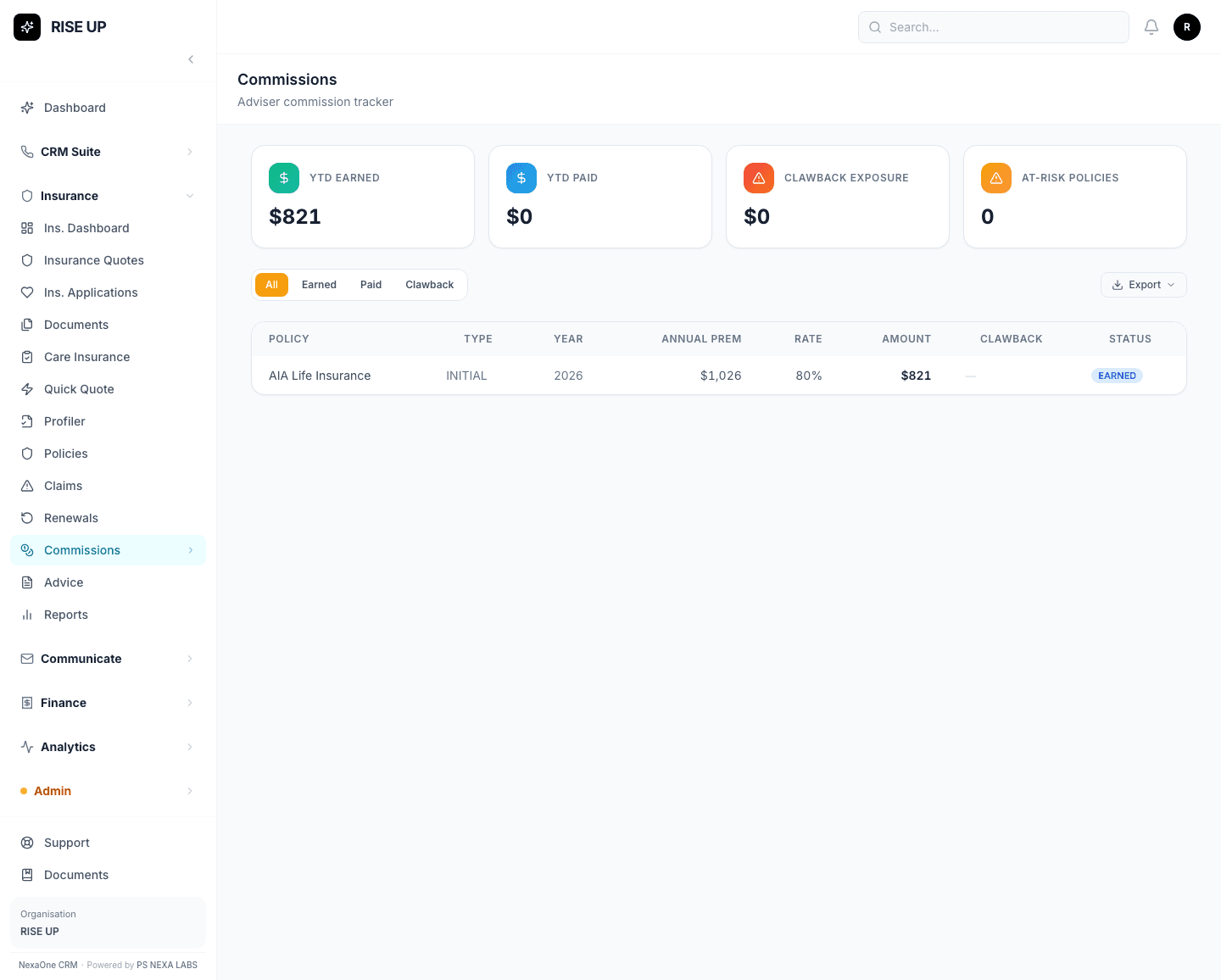
Click Insurance, then Commissions, for a read-only report showing what you're owed for the policies you've sold — this year so far, what's already been paid, and any clawbacks.
Where the numbers actually come from
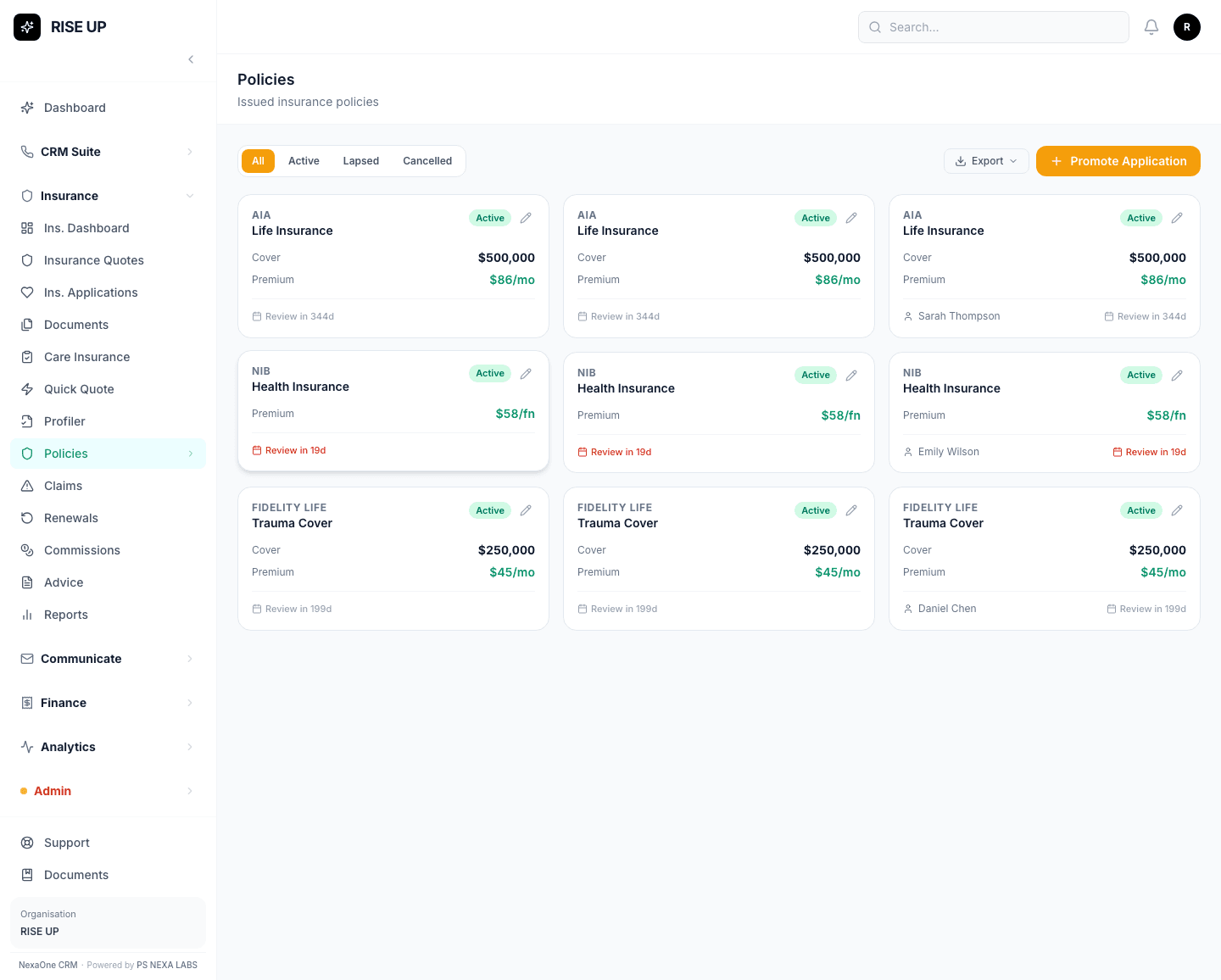
Nothing here needs manual entry. The report is tied directly to the policies you've actually sold, so as new policies get added to your Policies list, the commission figures behind them update on their own.
Why this matters for a small team
For a business without a dedicated finance person, this is the difference between guessing at income and having a straight answer ready before an insurer's statement even arrives — handy when you're planning cash flow, or simply want to know a policy sold last month actually paid out correctly.
It won't chase the insurer for you — but it will tell you exactly when it's worth chasing.