Insurance Suite
When a Client Needs to Claim: Keeping Insurance Claims and Renewals on Track
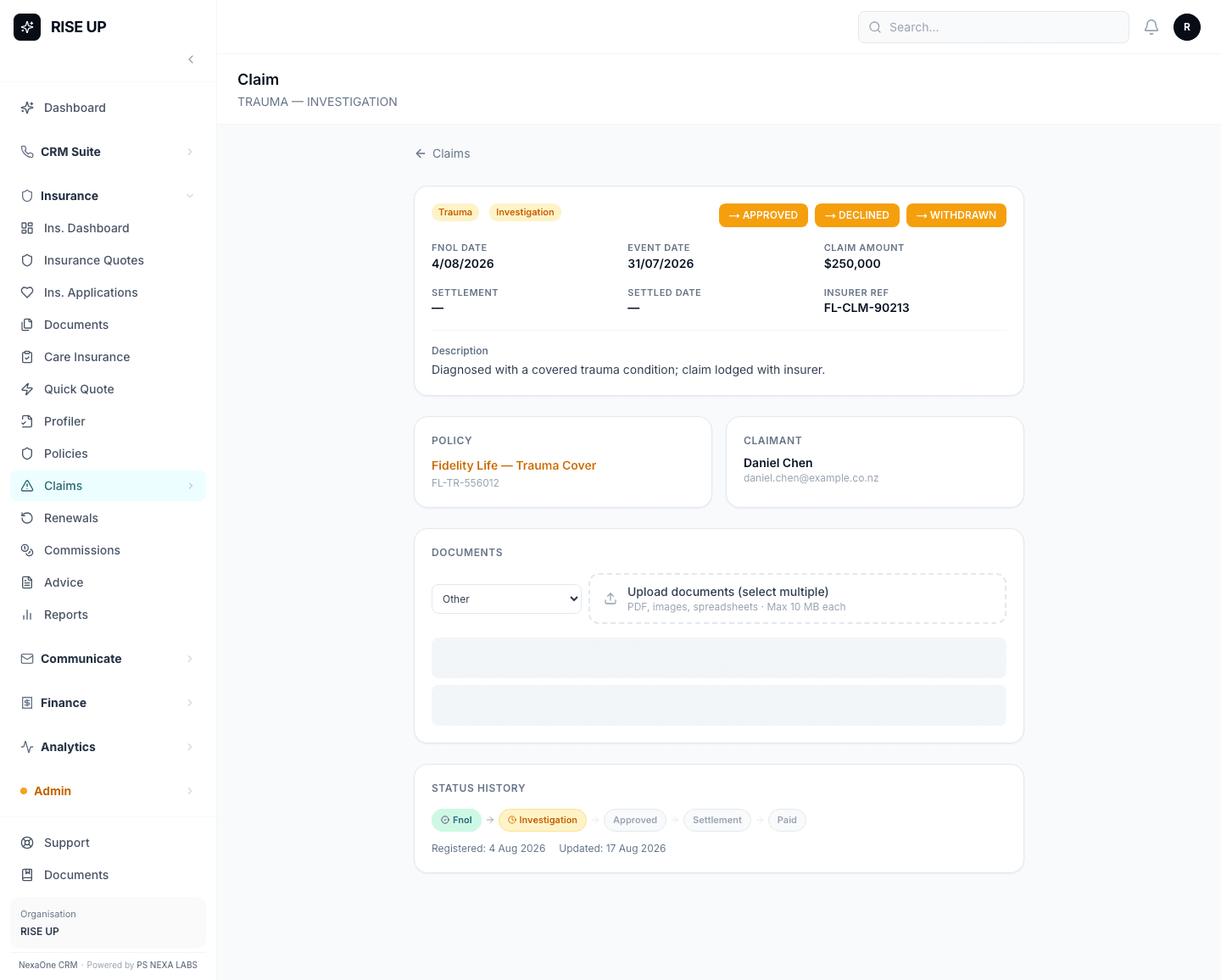
A claim is the moment insurance stops being paperwork and starts mattering to a client's life — after an accident, an illness, or a loss. It's also the moment your record-keeping needs to be at its best, because a client under stress shouldn't have to chase you for updates.
Registering a claim from the policy itself
The simplest way to start a claim is straight from the client's Policy page — click Register Claim, and the policy details fill themselves in automatically, so you're not retyping information you already have on file. Add what actually happened, and save.
Following a claim through to payment
Every claim has its own page, where you can update its status as it moves along — for example from "Being Looked At" through to "Paid" — and attach any supporting documents the insurer needs. Anyone on your team can open the claim and immediately see exactly where it's up to, without having to ask you.
Staying ahead of renewals, automatically
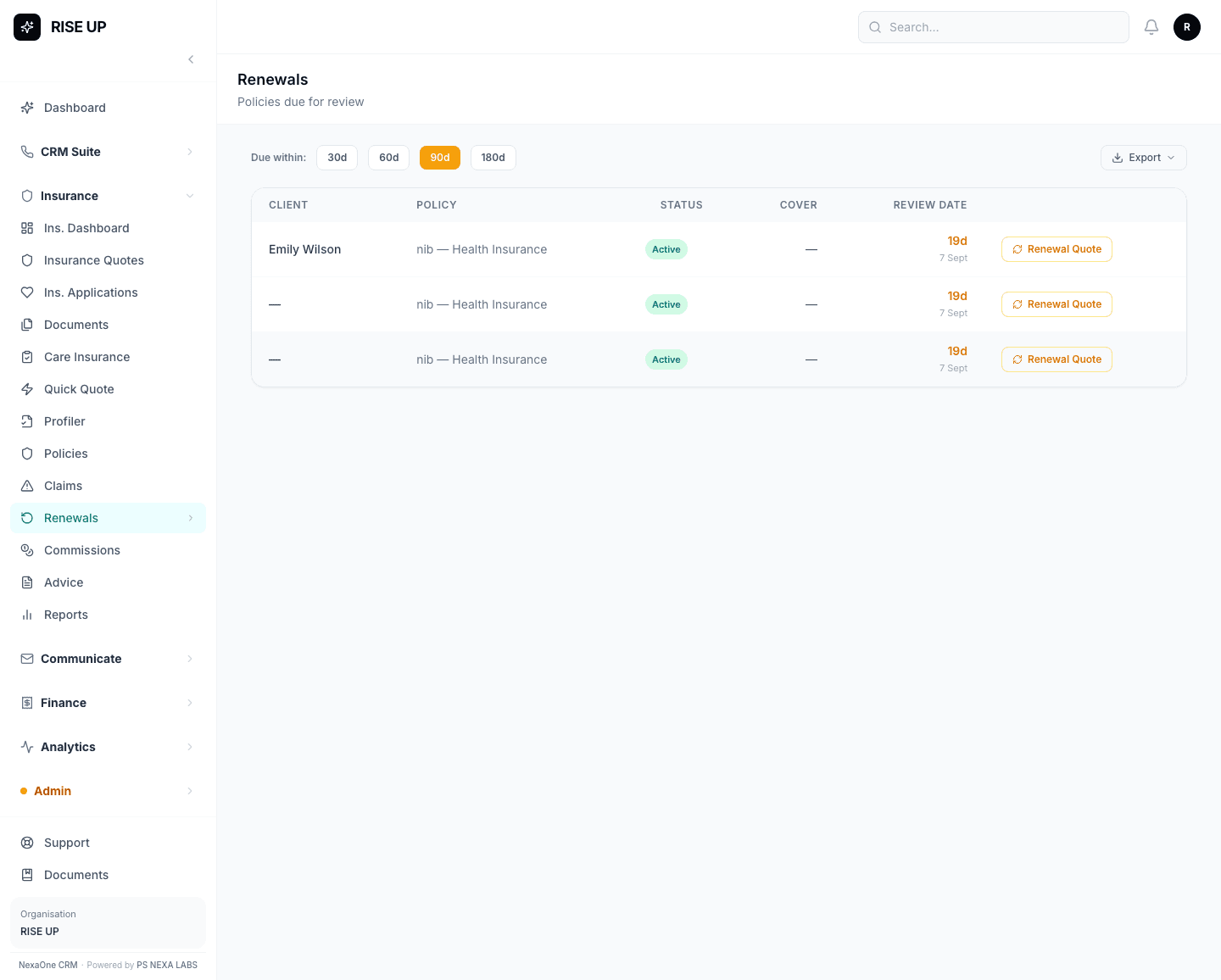
The Renewals list shows which policies are coming up for their yearly review, and it updates itself straight from each policy's own review date — nobody needs to add anything to it by hand or keep a separate spreadsheet of expiry dates.
One small but important habit
Renewals and the Follow-Ups "Annual Reviews" tab are two separate lists in the system, so it's worth treating them as two different to-do lists rather than assuming ticking one off updates the other. A small thing, but worth knowing before it causes a missed renewal call.
Good claims handling isn't complicated — it's just about nothing being left to memory.