CRM Suite
Already Have a Client List in a Spreadsheet? Bring It All In at Once
Switching to a new CRM raises one obvious question straight away: what happens to the client list you've already built up in a spreadsheet? Nobody wants to spend a week retyping names and emails one at a time. NexaOne CRM has a straightforward way to bring your whole list across at once instead.
Where to find it
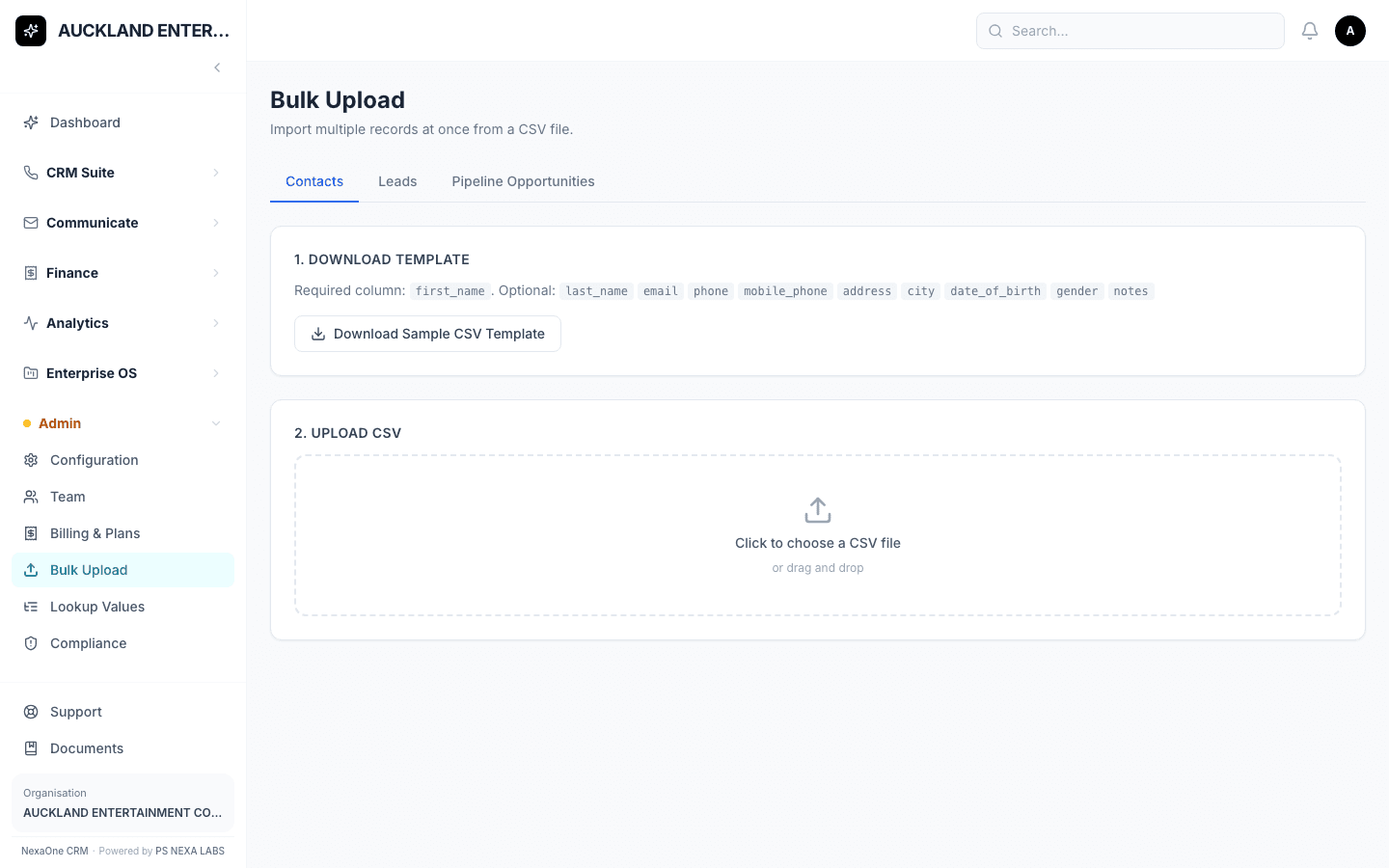
Click Admin, then Bulk Upload, on the left-hand menu. There are three tabs, depending on what you're bringing in: Contacts, Leads, or Pipeline Opportunities (deals).
Download the template first
Click Download Sample CSV Template before doing anything else — it gives you a file with the correct column headings already in place. For Contacts, only "first_name" is required; everything else is optional. Fill in your spreadsheet, save it as a CSV, then drag it into the upload box and click Import.
What happens if a row has a mistake
Anything that works gets added straight away. Anything with a problem — a missing name, for example — is listed separately, so you can fix just those few rows without redoing the whole import. The rest of your list still goes through fine in the meantime.
Still prefer adding people one at a time?
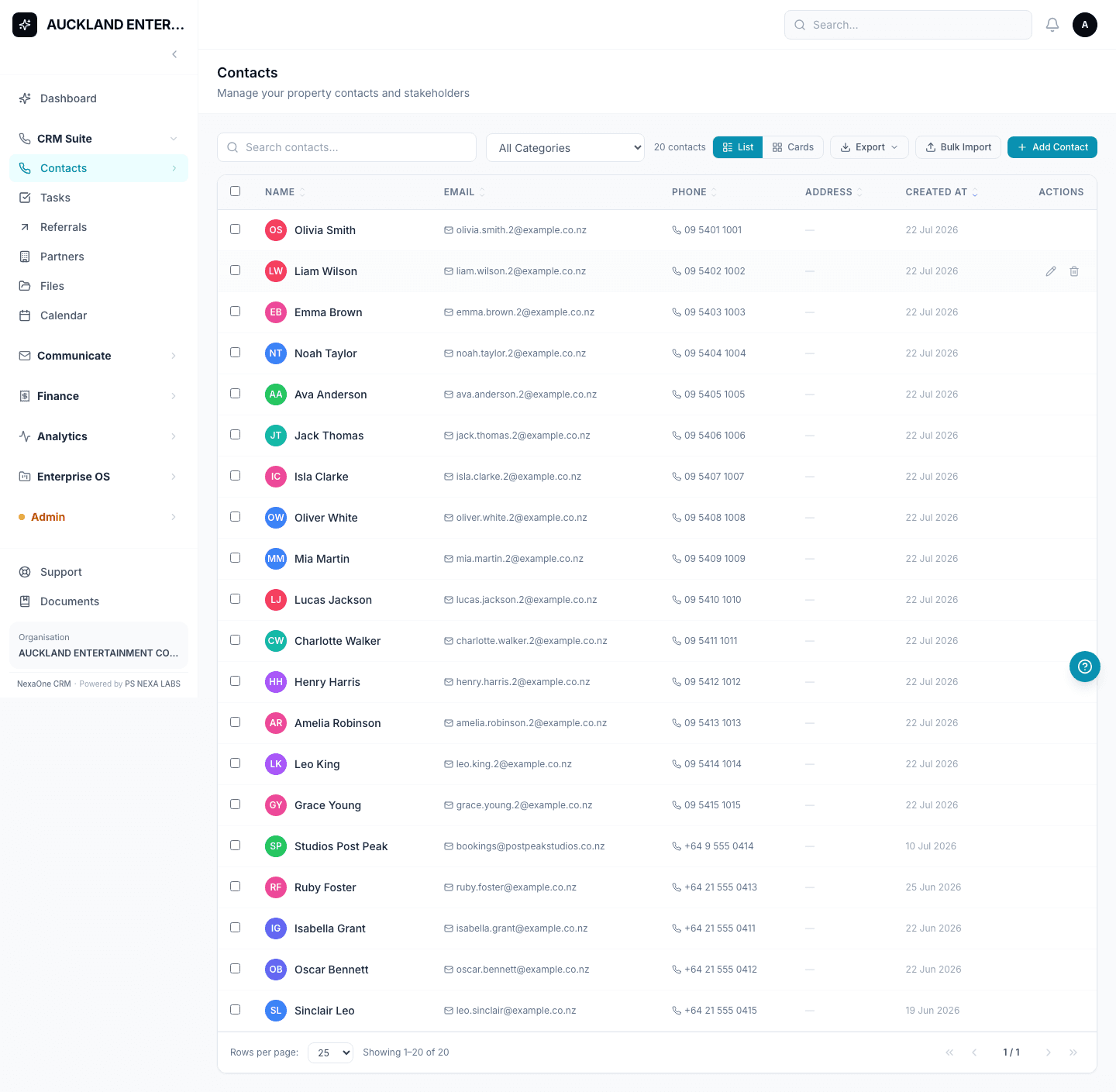
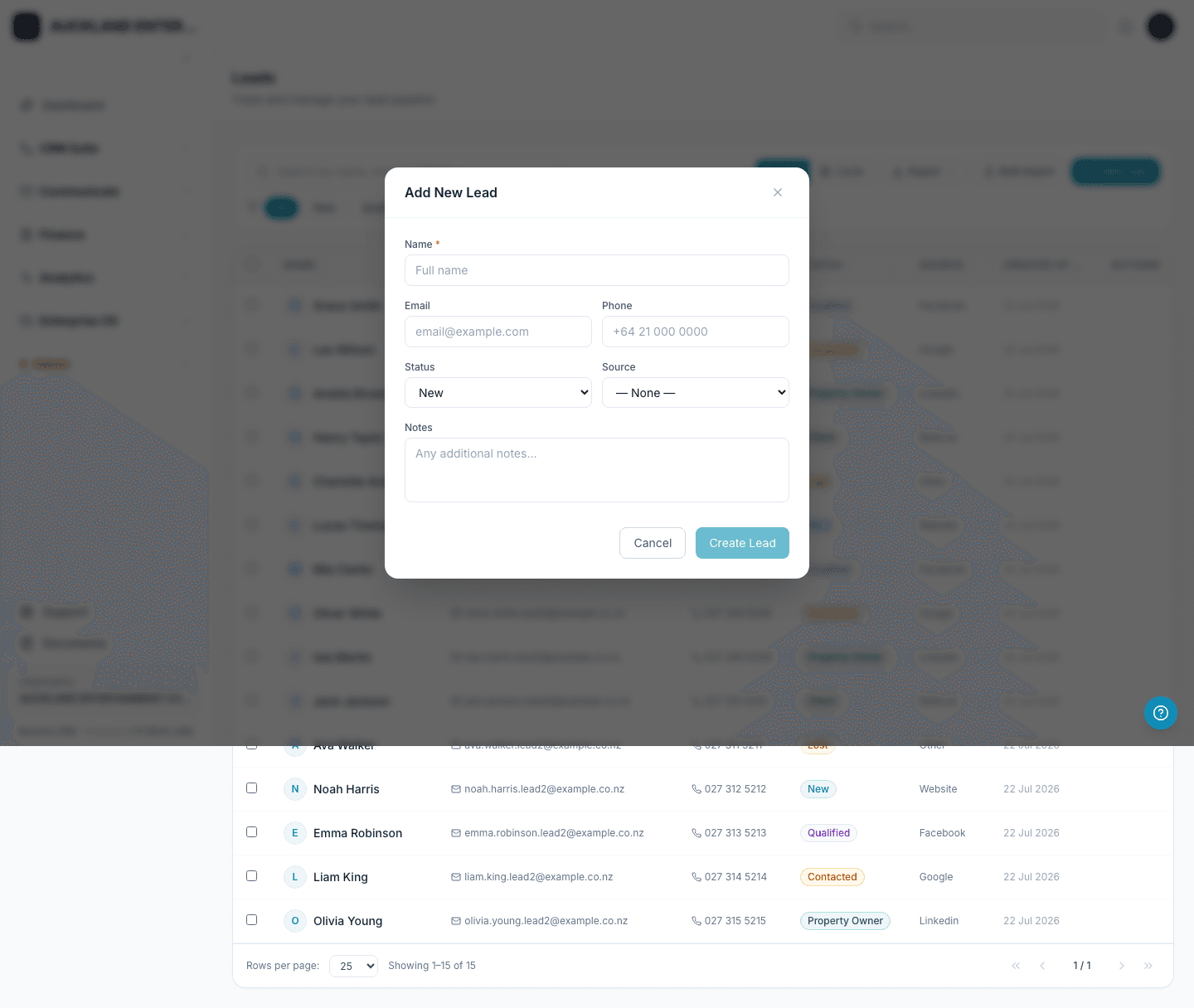
That works too, and it's just as quick for the odd new client — click Add Contact (or Add Lead), fill in a name, and save. Bulk Upload is simply there for the day you've got fifty, or five hundred, to bring in at once.
Either way, nobody on your team starts from a blank client list.